.jpg)
.jpg)
.jpg)
.jpg)

.jpg)
.jpg)
.jpg)
.jpeg)
.png)
.png)
.png)
.png)
.png)
.jpeg)
.jpeg)
.jpg)
%2520(1).png)


.avif)


.png)
.png)




.png)
![Agent Server [1/3]: Where Enterprise AI Agents Live, Work, and Scale](https://cdn.prod.website-files.com/67bef0c56c3781a827a0f375/69c14b6f967d2ae5279adcea_690e4d0f068d3ec27aea7ae0_123%2520(1).png)
![Agent Server [2/3]: Where Should Your Agent Server Run?](https://cdn.prod.website-files.com/67bef0c56c3781a827a0f375/69c14b6f967d2ae5279adcf0_690e646b6e0366d090fbc37f_wdxczxgr-1.png)
![Agent Server [3/3]: Agent Access Control Explained: RBAC, Caller Limits, and Safer A2A](https://cdn.prod.website-files.com/67bef0c56c3781a827a0f375/69c14b56c87a1735a82bac8d_69132a45740300abc320bc7f_Cover_%2520RBAC%2520for%2520Agents%252C%2520Done%2520Right2%2520(1).png)
.png)
.jpeg)
.png)

%25201%2520(1).jpeg)

%25201%2520(1).jpeg)
.jpg)
.jpeg)
October 30, 2026
How Do You Know the Data Is Right?
.jpg)
.jpg)
TL;DR: Genesis automates dashboard creation by building analytics outputs directly on governed gold layer data models. When upstream data changes, agents understand the relationships between tables, semantic models, and dashboards, then update impacted assets in a controlled way instead of leaving analysts to find breakages on their own.
Most dashboards don't break because of a bad chart or the wrong visualization tool. They break because something changed upstream and nobody caught it in time. A renamed field, a modified dbt model, a schema migration that went out on a Tuesday afternoon without a ticket. By Friday, your revenue metric is pulling from a column that no longer exists.
This is the problem Genesis was built to solve at the data layer, not just at the presentation layer.
Analytics teams spend a disproportionate amount of time on reactive maintenance rather than new development. The cause is almost always the same: dashboards are built on top of ad-hoc queries or loosely coupled pipelines, with no formal relationship to the models underneath them. When those models change the connection breaks silently.
dbt Labs documented exactly this pattern in their building reliable data pipelines overview: when transformations are deployed without automated testing, schema mismatches propagate through pipelines and produce broken dashboards and inaccurate reports. The compounding cost of those errors grows the further they travel from their source.
The conventional response is to add to the process: more documentation, more Slack alerts, more manual coordination between the data engineering and analytics teams. That approach works until the team grows or the pipeline volume increases, at which point the coordination cost outpaces the engineering capacity.
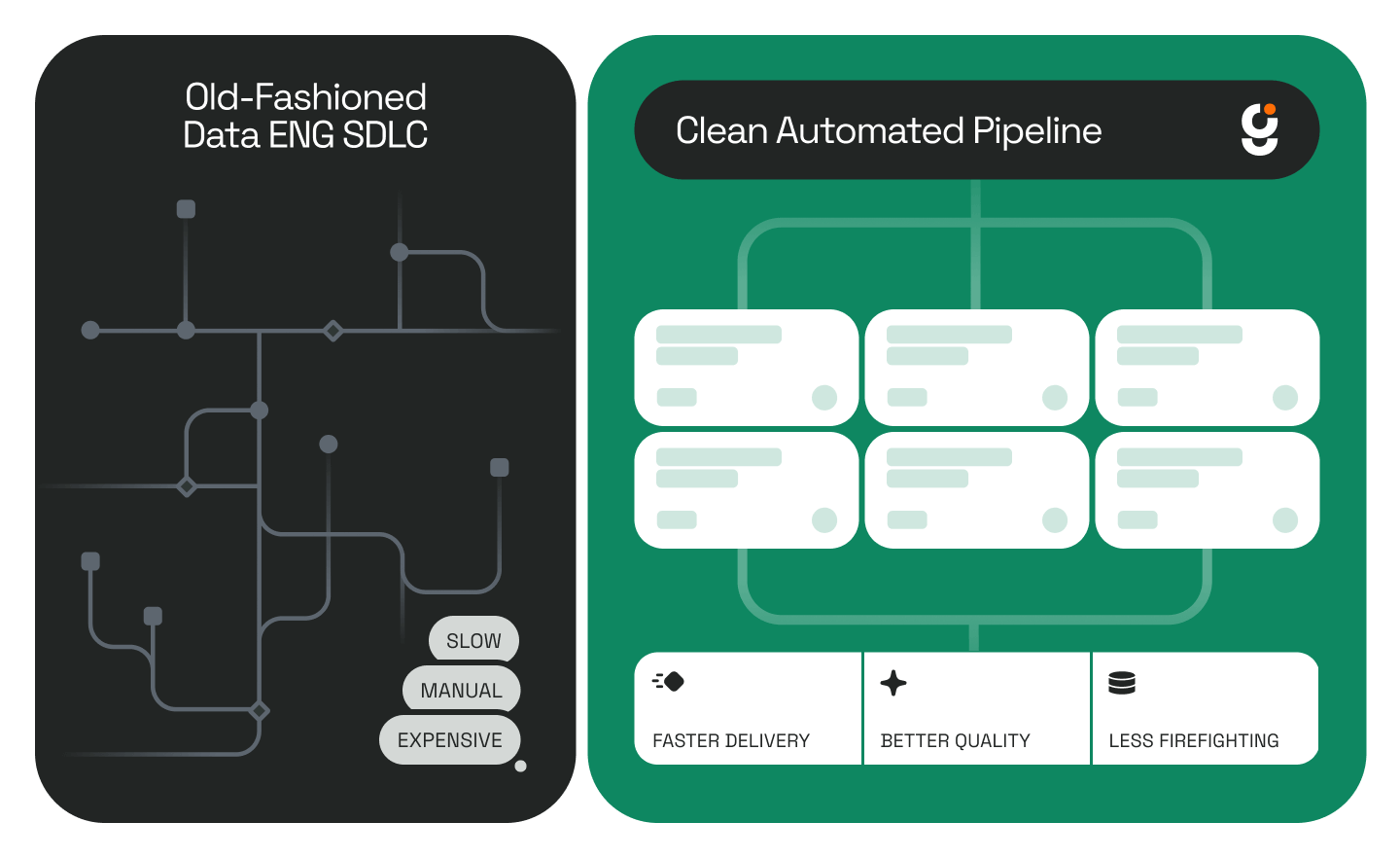
Genesis takes a different approach. Rather than adding to an already fragile system, it automates the connection between your data engineering layer and your analytics outputs.
Genesis generates dashboards based on structured, governed data models rather than ad-hoc queries. Specifically, dashboards are built on top of the gold layer and semantic models, the same layer where metrics are defined once and reused consistently across the organization.
This architecture matters because it means metric definitions are not duplicated across reports. A "monthly active users" calculation defined in the semantic layer is the same one that powers the executive dashboard, the product dashboard, and the weekly digest. There is no version drift between teams because there is no second definition to drift.
When you need a new dashboard, Genesis missions handle the construction automatically. You describe the output you need: metrics, dimensions, grain, and Genesis generates the dashboard against the existing governed models. No manual query writing. No guessing which table to join against.
This is where the architecture earns its value. Genesis agents maintain an understanding of the relationships between tables, dbt models, and the dashboards built on top of them, what you might call a live lineage graph across the stack.
When an upstream change occurs, Genesis can trace which downstream assets are affected and update them in a controlled way. The agent knows that a change to a particular dbt model propagates to a specific set of dashboards. It does not wait for an analyst to discover a broken chart at 9 a.m.
This is a meaningful shift from how most analytics teams operate today. Typically, the data engineering team makes a pipeline change, the dashboard breaks sometime later, and an analyst spends half a day tracking down which upstream model changed and whether the fix belongs to them or to the pipeline team. Genesis Twin addresses the Monday morning version of this problem directly, but automated dashboard creation extends that protection to the generation and maintenance of the dashboards themselves.
For teams that have invested in the dbt analytics schema as their transformation layer, Genesis works with that existing structure rather than replacing it. The dbt models you already maintain become the authoritative source Genesis builds against.
The practical effect is a change in how both teams spend their time:
Across a five-person analytics team, the difference between one afternoon of reactive maintenance per week and zero is meaningful. Over a quarter, it is hundreds of hours redirected toward work that actually moves the organization forward.
For a real-world illustration of what this compounding capacity gain looks like in production, the GrowthZone customer story shows what happens when a four-person data engineering team stops spending time on manual pipeline work and redirects it toward development.
Does Genesis replace BI tools like Tableau or Looker? No. Genesis automates the data engineering layer -- the pipeline construction, semantic modeling, and asset relationship tracking that sits below your BI tool. Your existing visualization tools continue to serve as the presentation layer; Genesis ensures the data flowing into them is accurate and current.
What happens if a semantic model changes that multiple dashboards depend on? Genesis agents understand cross-asset dependencies. When a shared model changes, Genesis identifies all downstream dashboards that reference it and updates or flags them accordingly, rather than letting breakages surface silently during business reviews.
Does this require replacing our existing dbt setup? No. Genesis works with your existing dbt models and Snowflake environment. The gold layer and semantic models you already maintain are what Genesis builds against. There is no parallel system to migrate to.
.jpg)
.jpg)


.jpg)