














October 30, 2026
How Do You Know the Data Is Right?


TL;DR: This demo shows Genesis working alongside Cortex Code (Coco) to assign tasks, monitor execution, evaluate results, and coordinate what happens next. The outcome is a structured, multi-agent workflow where a higher-level agent directs hands-on technical implementation inside Snowflake with a human in the loop at every stage.
We start with Eve, a Genesis agent, introducing herself to Coco and handing off a simple task: run a SQL query and pull baseball-related data from Snowflake.
On one side of the screen, you can see the live session log where Eve sends instructions. On the other, Cortex Code executes commands directly in Snowflake. As Coco works, Eve monitors progress in real time, ready to step in if anything goes sideways.
Coco retrieves the data and summarizes the results. Eve validates the outcome, provides a high-level recap of what was completed, and then continues the conversation thread with a follow-up question: how many players are in the dataset?
Because the session context is preserved, Coco does not need to repeat any prior work. It builds on what has already been done and returns the answer: 18,000 players.
At any point, a human can step in, redirect either agent, or take over the session entirely. That human-in-the-loop design is not an afterthought, it's how Genesis is built. For more on how Genesis handles oversight across longer-running workflows, see our post on context management in long-running agents.
Next, Eve assigns multiple tasks at the same time. Coco is instructed to generate separate datasets for different animals.
Multiple independent sessions spin up immediately. Each task runs asynchronously while Eve keeps watch across all of them.
If adjustments are needed, either Eve or a human can intervene. In this demo, one task gets redirected mid-execution, from rabbits to turtles. The agents adapt and keep going.
Once all sessions complete, Eve confirms that each dataset has been created successfully.
These are simple examples, but they demonstrate something that matters at scale: structured delegation, parallel execution, and continuous supervision running together without any manual coordination overhead.
Assigning tasks is the easy part. The harder question is deciding what work should happen in the first place.
This is where Genesis operates at a different level than a coding agent.
Genesis maintains a live context graph of the entire data ecosystem, what lives in Snowflake, and surrounding systems: MuleSoft, Kafka, Informatica, Oracle, and other enterprise tools. Rather than focusing only on what happens inside the warehouse, Genesis understands how data moves across the organization. It builds a digital twin of the ecosystem and continuously analyzes it. You can read more about how that context graph works in Why AI Agents That Have Context First Build Better Pipelines.
That broader visibility is what lets Genesis surface things a coding agent working in isolation would never see: cost-saving opportunities, performance bottlenecks, architectural improvements, data quality issues, and net-new feature initiatives.
Genesis includes a structured methodology called the Project Brainstorming Blueprint. The blueprint runs through four phases: analyzing ecosystem context, identifying improvement opportunities, generating detailed project specifications, and validating and documenting outcomes. Each phase has defined guardrails and exit criteria to meet enterprise-grade standards.
After running the blueprint, Genesis produces fully documented, ready-to-implement projects. Each one includes clear functional requirements, non-functional requirements covering performance and reliability, defined scope boundaries, and implementation guidance.
In this demo, one identified initiative was a real-time fraud detection pipeline. Genesis generated the complete specification, ready for handoff. All projects are stored in a Git repository and version-controlled for traceability. For a deeper look at how blueprints translate into production pipelines, see From Requirements to Production Pipelines With Genesis Missions.
Once projects are defined, Genesis hands them off to Coco for implementation.
Eve reads the specifications, extracts the relevant instructions, and assigns tasks to Coco in parallel. Each task includes a pointer to the full specification in Git. Coco retrieves the documentation and begins implementation inside Snowflake.
In this demo, two workstreams run at the same time: building a bronze-layer ingestion framework and implementing a customer segmentation analysis pipeline. If Coco needs clarification or approval at any point, Eve reviews progress and provides direction. A human can also step in at any moment.
This creates a layered architecture: Genesis (Eve) holds the enterprise-wide view and sets strategic priorities, Coco handles the detailed technical implementation inside Snowflake, and humans remain in control, approving, steering, and redirecting when needed. The Bronze, Silver, Gold agentic data engineering post covers how that layered approach applies to full pipeline builds, from sketch to production.
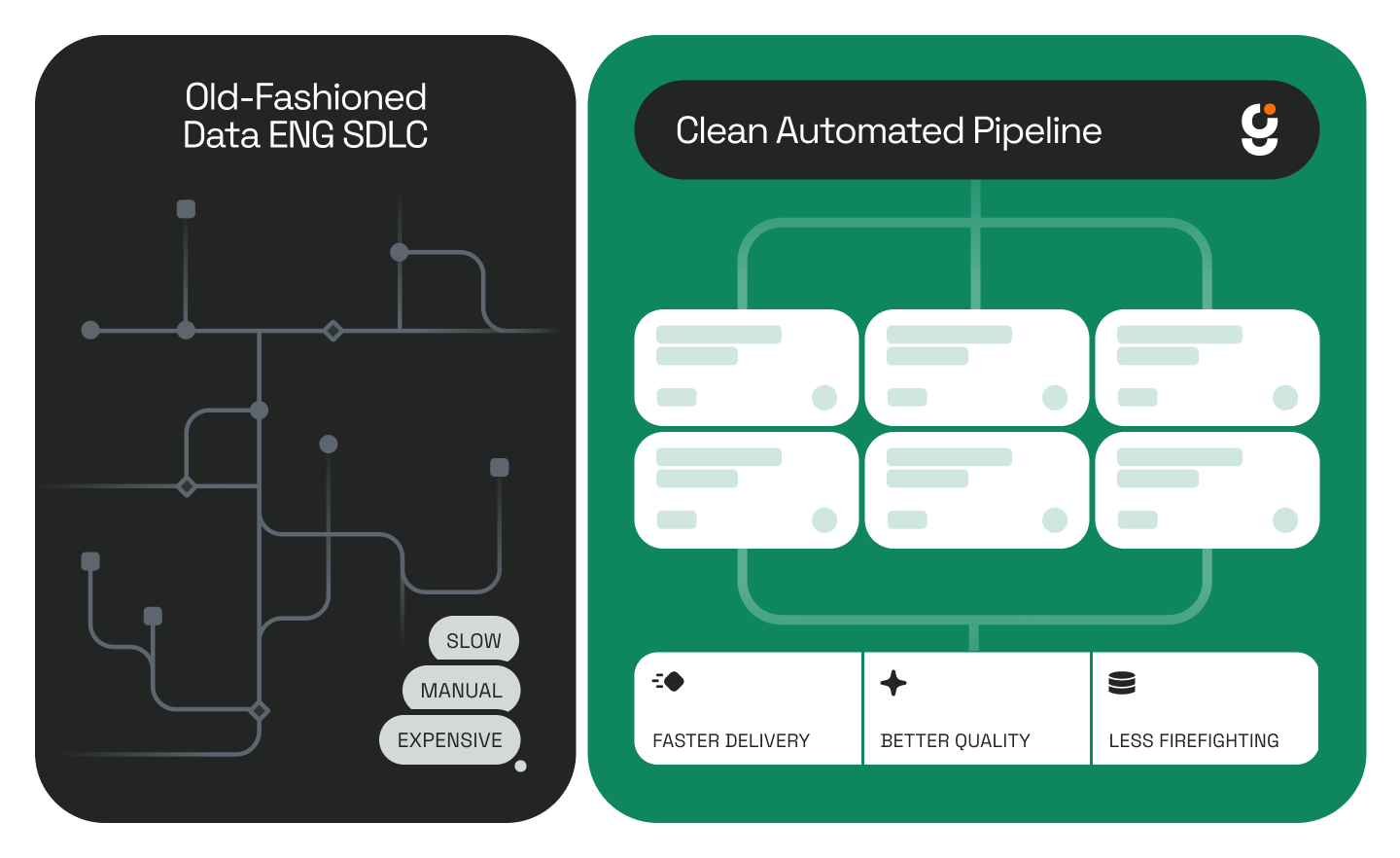
This demo illustrates a practical model for agent-driven data engineering. A higher-level agent understands the full ecosystem. It identifies meaningful opportunities, produces structured specifications, delegates execution to specialized coding agents, and monitors, validates, and intervenes when necessary.
Instead of isolated automation, this approach delivers coordinated intelligence across systems. As The New Stack noted in its look at how data engineering is evolving toward autonomy, the discipline is shifting toward engineers who architect systems and validate generated code rather than writing pipelines by hand. The Genesis and Cortex Code workflow shown here is a direct example of what that looks like in practice.
Genesis does not just generate code. It identifies what should be built, ensures it aligns with the broader enterprise context, and supervises execution from start to finish. The result is a data platform that becomes continuously optimized and strategically guided, with collaborative agents and human oversight working together.
To see Genesis in action across another Snowflake-native use case, read about how it powers Cortex Code with additional capabilities or explore the Genesis and Snowflake Cortex Agents API integration.
What is the difference between Genesis and Cortex Code? Cortex Code executes technical tasks inside Snowflake: writing SQL, building pipelines, and implementing specifications. Genesis operates at a higher level: it identifies what work should be done, generates structured project specs, and delegates execution to agents like Coco. Genesis directs; Coco builds.
Can humans intervene in a Genesis multi-agent workflow? Yes, at any point. A person can redirect a task, change parameters mid-execution, or take over a session entirely. In this demo, one task is redirected mid-run and the agents adapt without losing context or requiring any work to restart.
Does running multiple Cortex Code sessions in parallel require additional Snowflake infrastructure? No. Genesis runs natively inside your existing Snowflake environment as a Snowflake Native App. Parallel sessions are coordinated within that same setup, no additional infrastructure or configuration required.